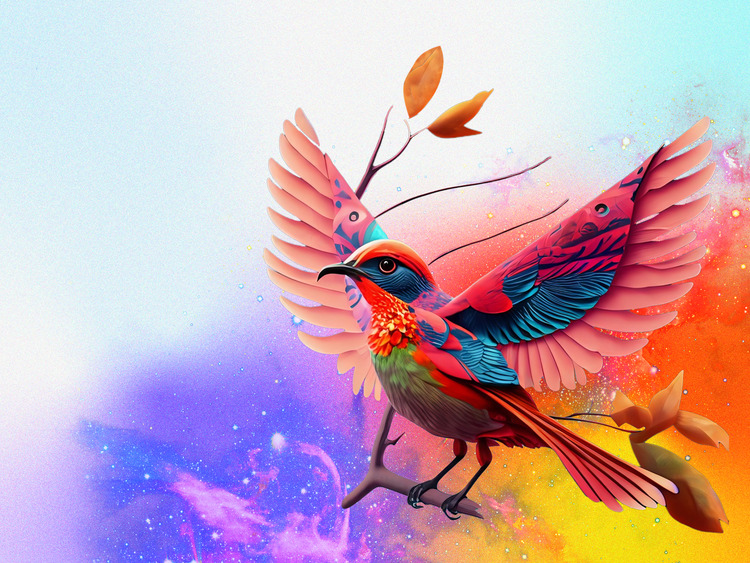
In the fast-moving world of digital creation, tools that speed up ideation while preserving creative control are invaluable. Adobe Firefly is one such tool: a generative AI that integrates with Creative Cloud and helps designers, video editors, and illustrators iterate faster. Paired with solid Adobe skills Photoshop, Illustrator, After Effects, and Premiere Pro—Firefly becomes a multiplier for both productivity and creativity.
Why Firefly AI matters for Adobe users
Firefly AI can quickly generate concept imagery, suggest color palettes, or produce background textures and assets from simple text prompts. For an Adobe user, this means less time on repetitive tasks and more time polishing and customizing the areas where human taste still beats automation.
Use AI to create more time for craft — not to replace it.
Practical workflows: Firefly + Adobe
Here are concrete ways to blend Firefly’s speed with Adobe’s precision:
- Concept to polish: Generate multiple mood-board images with Firefly, then import the best candidates into Photoshop or Illustrator to refine composition, typography, and vector details.
- Backgrounds and textures: Produce varied seamless textures in Firefly and use them as layer bases or displacement maps in Photoshop and After Effects.
- Rapid storyboarding: Create scene thumbnails from prompts to plan video shoots or animatics; bring selected frames into Premiere Pro as references or placeholders.
- Style transfer & enhancement: Use Firefly-generated elements as a starting aesthetic, then apply color grading, masking, and manual retouching inside Adobe apps to achieve a bespoke look.
Tips to get professional results
- Start with clear prompts: The more specific your prompt (mood, lighting, camera angle, era, color palette), the closer the initial result will be to your vision.
- Treat AI output as raw material: Always refine textures, edges, and composition manually in Photoshop/Illustrator to avoid generic looks.
- Combine AI assets smartly: Layer multiple AI outputs together and use blend modes, masks, and vector work to create depth and uniqueness.
- Keep an editable pipeline: Preserve PSD/AI layers and proxies so you can tweak designs later without starting from scratch.
Ethics and originality
While Firefly accelerates ideation, copyright and originality still matter. Use AI outputs as inspiration and building blocks, and ensure final deliverables include meaningful human-driven edits so work remains authentic and defensible.
Conclusion
Firefly AI is not a replacement for Adobe skills it's an assistant that expands creative bandwidth. When you pair quick, exploratory AI generation with disciplined, skillful Adobe polishing, you get faster workflows and stronger results. For modern creatives, mastering that hybrid process is a competitive advantage.